Creating PDFs in the Cloud - Our Solution Approach
 Anton Spöck
4 min read
Anton Spöck
4 min read
When it comes to PDF generation, we didn’t want to tie ourselves to a single vendor. However, the selection of open-source software for PDF creation is not exactly colorful, and every solution has its weaknesses. The OpenOffice API in headless mode is limited in functionality, and scaling is difficult to achieve. Other solutions, like PDF generation via a headless Chrome instance as many NodeJS libraries use, often fail at document description via HTML. Defined rules for page breaks, automatic page numbers, and tables of contents often only lose their trivial appearance on second glance.
A tried-and-true tool has emerged as a good way to describe document structure – LaTeX. Contrary to what the name might suggest, it is the standard for writing scientific papers, especially in technical fields of study. The first advantage is therefore obvious: most programmers with an academic background can edit and create templates. But LaTeX has another big advantage. LaTeX files are text-based files and can be compiled to a PDF via the command line. We took advantage of this and developed a scalable cloud system from it.
Architecture Overview
The following graphic shows the structure of our system. The structure is then explained in more detail:
Process Flow
The admin creates one or more LaTeX templates in a Git repository
Optional: The admin can version a template
The user sends a request from their browser/app to the LaTeX service and specifies the desired template
User data is replaced in the template
The user can download the finished PDF (download link from Firebase Storage)
PDF Creation in Docker Container
As mentioned in the introduction, LaTeX files can be compiled to a PDF via the command line. We packaged this mechanism into a Docker container. Additionally, we extended the “LaTeX Compiler”. Before the compilation process, the LaTeX files are sent through the text replacer. In the LaTeX template, individual keys can thus be defined that are replaced by user-defined text. Similarly, SVGs or other images can also be replaced and inserted. The service is accessed via REST.
Templates in Git Repository
All templates are checked into a Git repository. We use GitHub as a hosting service, but alternatively any Git server would be possible. Each template is in its own folder and contains all necessary files (LaTeX file, static images, etc.).
Versioning
Templates can be individually provided as a version for the LaTeX service. The following REST request triggers an upload to Firebase. All files are made available in Firebase under templates/myTemplate/V1/:
GET /newVersion?template=myTemplate
The name of the template is always the respective folder name in the Git repository.
User Request for PDF Generation
The user or the application can trigger PDF generation with the following request:
The LaTeX service in the Docker container now downloads the corresponding template version from Firebase and replaces the text and images with the provided keys. The keys can be defined accordingly in the LaTeX file beforehand.
As soon as the LaTeX compiler is finished, it uploads the created PDF to Firebase Storage and returns the download link to the user. The user now has the option to download the PDF immediately or at a later time.
Dynamic Charts with SVG and ReCharts
To include dynamically created charts in PDFs alongside images, we first render the charts in the browser/app. We use React with the library recharts for this. To save a corresponding chart to an SVG, only the following 3 lines of code are needed:
This svgBlob is now sent as svgKey to our LaTeX service and embedded in the PDF. This way, we can insert the same charts in the PDF as they are displayed on the website.
Operation and Scaling
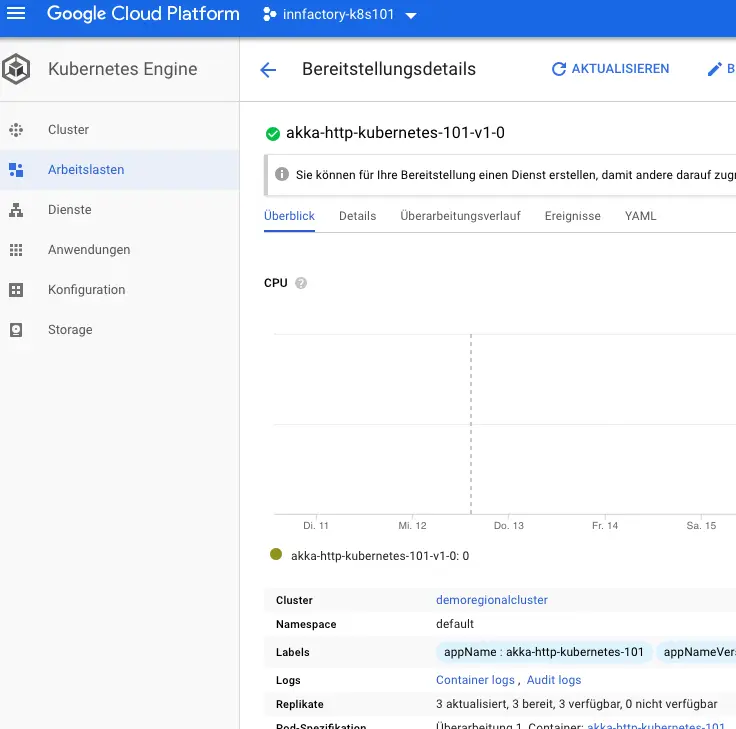
Since the LaTeX service runs in a Docker container, it was quite easy to integrate it into the existing Kubernetes cluster. Scaling is accomplished by simply increasing the number of instances or allocating more computing power. The Kubernetes cluster currently runs on the Google Cloud Platform, which is why we also chose Firebase Storage for this project. As an alternative to Firebase Storage, you could also use AWS S3, for example.