Web Services with the Play Framework, Slick and Flyway in Scala
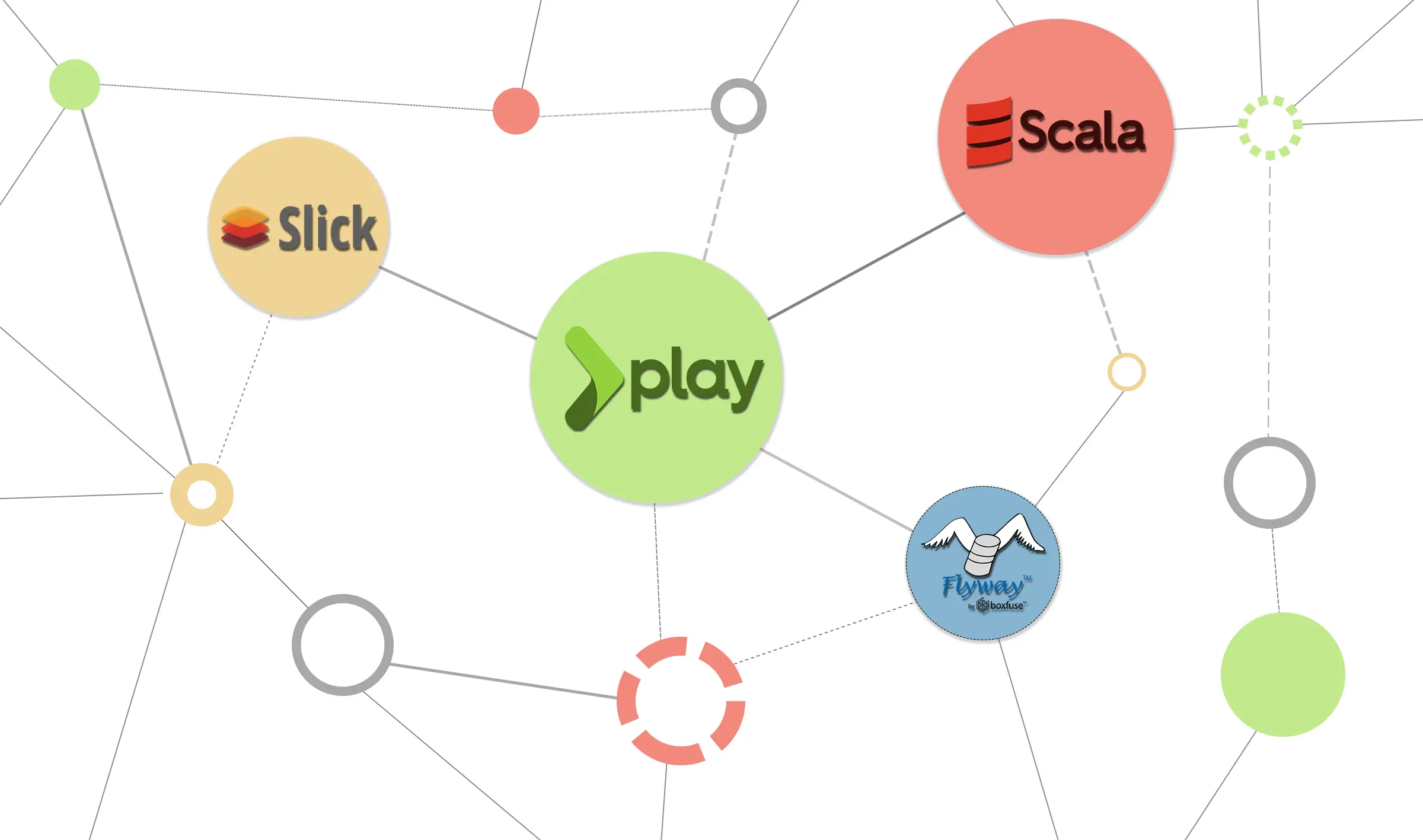
For almost all products we develop for ourselves or our customers, we also need a CMS to process base data or texts. Often these values are so specific that a conventional CMS cannot be used. To respond quickly to requirements, we use the Play2 framework for these web services, which is built on the Akka framework and enables not only rapid development but also later scaling. Especially in the context of Minimum Viable or Minimum Marketable Products, we often use REST interfaces and only switch to methods like GraphQL or gRPC for transmission later. Although the REST interface concept is more than 15 years old, it is therefore more relevant than ever. With the goal of programming a scalable, developer-friendly, and modern API, the choice always falls on the Play2 framework from our perspective. In combination with Flyway for database migration and Slick for code generation and database abstraction, database changes can also be easily integrated during operation. Through our tooling (GitHub, CircleCI, Kubernetes cluster at Google) and frameworks (Play2, Akka), we can roll out updates for our products within 10 minutes. This post explains the basics for a Play2 project.
Play2 Framework
Introduction:
Based on akka-http, Play2 offers an optimal foundation for a fast and scalable API. The connection to a PostgreSQL database also ensures persistent data storage. For authentication, Google Firebase is used in the following example. The integration will be explained in more detail within the blog post. Additionally, the programmed API is documented with Swagger Annotations and made accessible via its own HTTP interface.
As of 08.10.2018 for version 2.6, the following is required:
- At least Java SE 1.8
- sbt or Gradle
The examples consist of Scala code, but the framework can also be used with Java.
The template used in this post is published on GitHub.
Scala Play2 Framework Bootstrap Template
Structure:
The basic structure in our bootstrap template divides the framework into 3 abstract layers:
- API Layer
- Service Layer
- Database Layer
API Layer:
This is where the endpoints, or the routing of the API, are defined. The syntax consists of:
HTTP Method Path/Optional Parameter Controller.Method(optional: Parameter)
and is defined in the “conf/routes” file. The controller methods are bound to the paths through this.
Service Layer:
The methods bound to the path in the “routes” file are defined here.
They call the methods of the “Data Access Object” (DAO). The DAO is made available via Dependency Injection using Google Guice. The annotations are used by Swagger to create documentation of the API in OpenAPI format and are not relevant here.
This method (getContact) is bound to the GET /v1/contact/:id path and returns an object based on the parameter via the response body as JSON.
Database Layer:
Here the DAO methods are converted into database queries via Slick and executed. Using Slick allows the same interaction possibilities with the database as would normally only be implemented with streams.
The “lookup” method is called by the controller method mentioned above and returns either a found object or an error. With “queryById”, you can see that the stream method “filter” can be applied to the “Contacts” table from the database. This is then converted by Slick into a query.
The “Tables” file generated by Slick must also be imported in the DAO.
Authentication:
Through a filter that is added to the filter list of Play in the “application.conf”,
requests can be checked for a JWT token, for example, before they are routed. The filters pass the requests to the next filter after processing. The filters only need an “apply” method that takes a filter as a parameter and returns a Result.
The FirebaseJWTValidator can compare the token with the user database of a Firebase project and thus confirm validity. A Firebase.json file must be present in the “conf” resources folder. This contains a JSON object that you receive by creating a Firebase project. Validation works via a singleton Firebase object that is bound in the “Modules” file as follows and is thus instantiated once when the application starts.
A stop hook is also important to prevent an attempt to create a second Firebase object during a hot reload.
The object is bound as a singleton in the Module class:
Tests:
Through the direct integration of, for example, Scalatest, all paths can be easily and quickly tested via Play2 fake requests. Integration tests are therefore not a problem.
Slick:
Slick makes it easy to interact with a database like with file streams. Code for database tables can and should also be generated with Slick. The only requirement a database must meet is that a driver must be available for Slick. This is specified in the “application.conf”. Slick can even handle multiple DBs simultaneously. This enables the later splitting of the application into multiple microservices. Unlike the Java Enterprise world, Slick is not an ORM (“object-relational-mapper”) but an FRM (“functional-relational-mapper”).
Here, the Play Framework isolated Slick plugin is used as its own module. Normally, Play uses the integrated “play-slick” plugin by default. This allows more control over when code generation is executed. A customized code generator is also used to store JSON and DateTime directly in the database.
Flyway:
Flyway versions the database. This allows changes to be automatically applied to the production system via a CI pipeline (e.g., with CircleCI or Jenkins) without a developer having to manually contribute anything. This works via conventional *.sql files that are divided into versions by Flyway. Only the still necessary changes from the SQL files are applied by Flyway to the database.
Swagger:
The Swagger file accessible via the path /v1/swagger.json can be displayed via a Swagger UI started as a Docker container, for example.
Conclusion:
The combination of the individual modules with Play2 creates a perfect opportunity to create RESTful APIs. I personally find working with the Play Framework very pleasant. Since the framework enables the creation of even large APIs in a short time and with relatively little effort, I can recommend using it to anyone faced with the challenge of programming a complex, fast, reliable, and developer-friendly interface in a short time. If you follow the principles of Domain Driven Design and use multiple database endpoints from the beginning, Play2 services can be excellently divided into multiple small microservices.