Releasing Apps in the App Stores
 Tobias Jonas
5 min read
Tobias Jonas
5 min read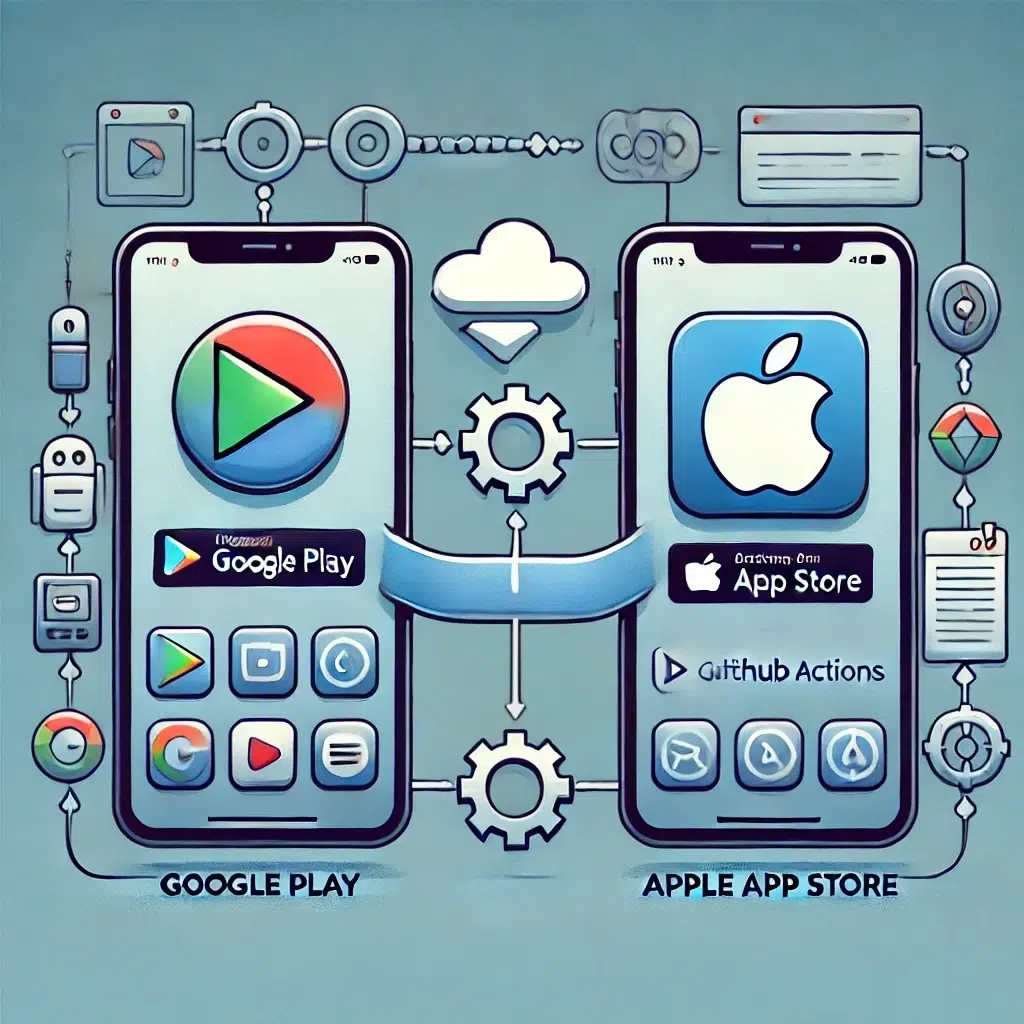
Publishing a smartphone app in the major app stores, such as the Apple App Store and Google Play, is a complex process governed by numerous rules and requirements. This article is based on our extensive experience with releasing numerous apps, most recently the new Sonepar Digiplan app for iOS and Android, which must be available in the stores by September 2nd. Below, we provide a detailed insight into the processes, challenges, and best practices we have gathered when publishing our apps.
Automated App Builds and Uploads: Our Approach with Fastlane and GitHub
To ensure high efficiency and quality in the development and deployment of our apps, we rely on a fully automated CI/CD pipeline (Continuous Integration/Continuous Deployment). This pipeline is operated using GitHub Actions and allows us to automatically create builds for Android and iOS for each new version. For uploading to the respective stores, we use Fastlane, a proven tool that greatly simplifies the upload process for both platforms.
Benefits of Automation
- Time savings: Automated builds and uploads minimize manual effort and reduce error sources.
- Continuous integration: Automation allows new features and bug fixes to be integrated and tested quickly and safely.
- Transparency and traceability: Every step in the build and upload process is logged, enabling clear traceability and better error diagnosis.
Duration of App Review: What You Need to Know
The duration of app review in the App Store and Google Play varies considerably, especially for initial releases. It is important to include this aspect early in the release plan to avoid delays.
Apple App Store: Strict Review and Communication
For the initial release of an app in the Apple App Store, we found that review times average 2-4 days. It is common for Apple to ask at least one question about the app or app store content. These inquiries can require an additional 1-2 days of processing time. Apple places great emphasis on quality and security and carefully reviews each new app and its content.
Experience with Updates
After the initial release, review time for updates is usually significantly shortened. Our experience shows that updates are usually approved within 24 hours. This faster process is because Apple is familiar with the app and developer after the initial review and thus assumes fewer risks.
Google Play: Longer Initial Review, Faster Updates
For the initial release of an app on Google Play, you should plan for more time. Our review regularly took more than 5 business days. Google also enforces strict guidelines to ensure that apps are both functional and secure.
Fast Updates on Google Play
In contrast to the initial release, updates for already published apps can usually be done very quickly. Often, these are available overnight. This enables a quick response to bug fixes and minor improvements.
Important Considerations for the Release Plan
The times and processes mentioned illustrate that careful planning for an app release is essential. Especially for initial releases, the following points should be considered:
- Plan enough buffer time: At least one to two weeks of buffer time should be planned for the entire release process to avoid unforeseen delays.
- Detailed preparation: All app content, from screenshots to description texts, should comply with the guidelines of the respective stores to minimize inquiries and delays. Also avoid Beta/Demo/Test flags in screenshots. These will be rejected.
- Continuous communication: Apple in particular places great emphasis on clear communication. It is helpful to be prepared for possible inquiries and to respond quickly. Especially when an app is only accessible to a specific target group with a cloud account, you regularly receive inquiries.
Common questions from Apple when the app is only available for paid users, but you have neither integrated registration nor in-app purchases. For example, for an app that serves as an addon for a paid SaaS solution:
Please review the following questions and provide as much detailed information as you can for each question.
Is your app restricted to users who are part of a single company? This may include users of the company’s partners, employees, and contractors.
Is your app designed for use by a limited or specific group of companies?
– If yes, which companies use this app?
– If not, can any company become a client and utilize this app?
What features in the app, if any, are intended for use by the general public?
How do users obtain an account?
Is there any paid content in the app and if so who pays for it? For example, do users pay for opening an account or using certain features in the app?
Conclusion
Releasing a smartphone app is a complex process that requires careful planning and preparation. Our experience shows that especially the initial review by Apple and Google Play can be time-consuming and repeatedly lead to delays. To ensure a smooth release, companies should plan sufficient buffer time and familiarize themselves intensively with the requirements and guidelines of the respective platforms.
By using automated CI/CD processes with GitHub Actions and Fastlane, many manual steps can be reduced and efficiency increased. This not only facilitates the initial release but also the rapid deployment of updates.
For a successful launch of your app in the Apple App Store or on Google Play, it is crucial to consider the aspects described and be prepared for potential challenges. With the right planning and the appropriate tools, nothing stands in the way of a successful launch of your app.